
Run a real light show without learning a lighting desk.
Simple DMX Controller is Windows lighting software you won't get lost in. Load a fixture's manual and AI builds the fixture file. Then control your lights with scene faders, palettes, effects, a timeline and MIDI, through any USB DMX or Art-Net interface.
Free in unlimited 2-hour sessions · No feature limits · $29.99/year to remove the timer
Load the fixture manual, get a fixture file back.
No GDTF file for your light? Load the manufacturer's manual into SDC and the built-in AI reads the DMX chart and writes the fixture file for you - channels named, modes set, palettes ready. Check it, adjust anything odd, patch it.
Who it's for
Whether it is a wedding, a Friday in the bar, or your first fixture.
A different room every night, or the same one for years - either way it is you, a laptop and the fixtures you already own.
Mobile DJs
Save your scene faders and palettes once. Open SDC at the next venue and they load automatically, ready to go.
Bars and clubs
A fixed rig on a cheap dedicated PC, running a timeline all night. Staff behind the bar or in the booth can change the look from either remote.
New to DMX
Step-by-step guides from your first cable to your first chase. If you can use a computer, you can use SDC.
How it works
Up and running in four steps.
You can do the first two before your interface arrives.
Features
Set it up once. Play it every night.
No programming syntax, no macro language. Scenes, color, movement and effects are one click away, and you see the result on the rig as you make it.
Shape the colors, effects and movement until the look is right.
Save it to a palette or a Scene Fader.
Play it live - tap a palette, push a fader.
Need to change something mid-show? Call the look back up, adjust it and record it again. How this works in practice
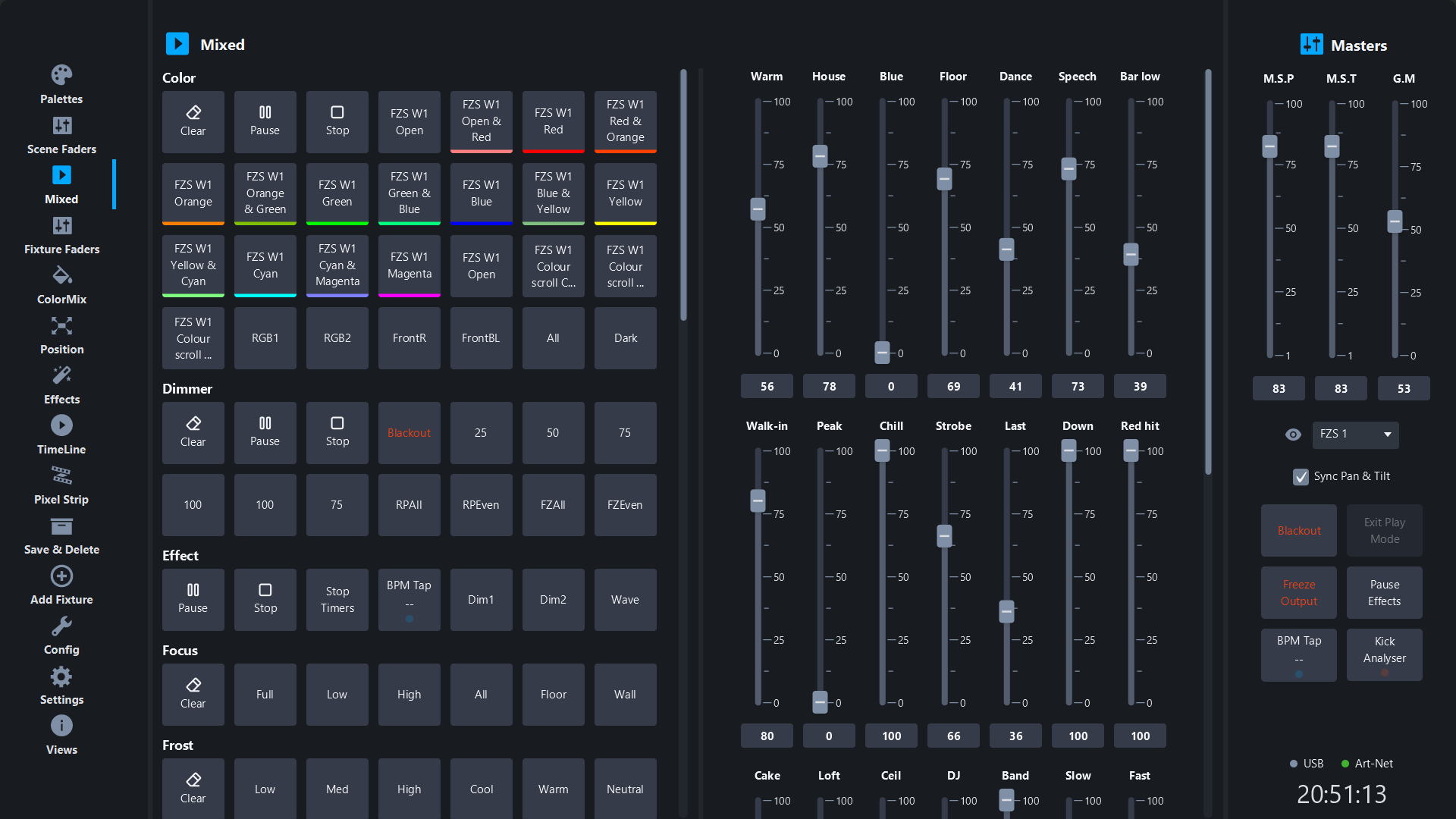
Color and gobo palettes, built for you
SDC reads the GDTF file and builds the color and gobo palettes for you. Color palettes show the actual color, gobo palettes the gobo shape, so you pick by eye instead of by channel number.
- → Palettes generated from the GDTF file
- → Save your own on top, sorted into categories
- → One click applies it to every selected fixture
Scene faders you built yourself
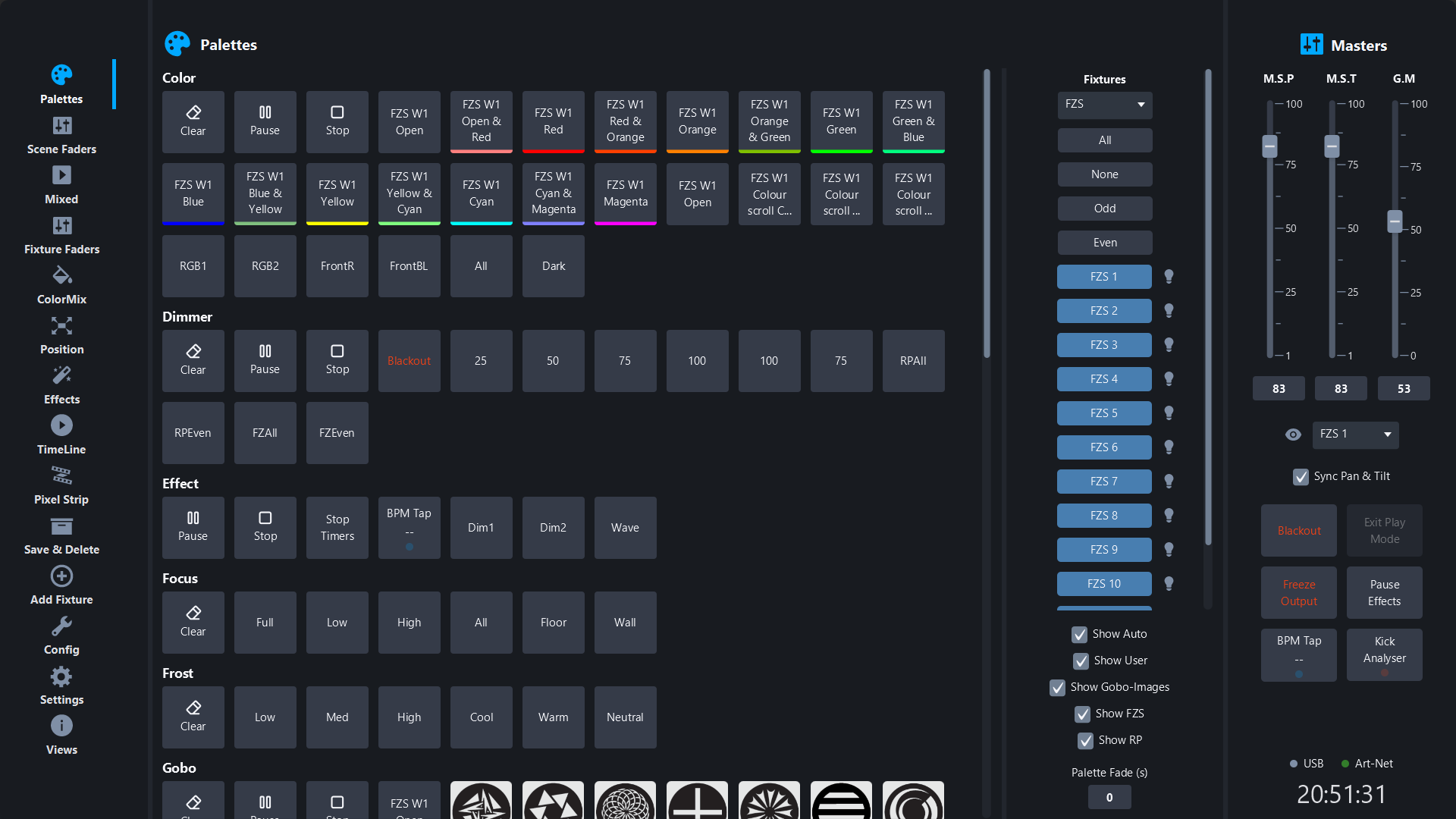
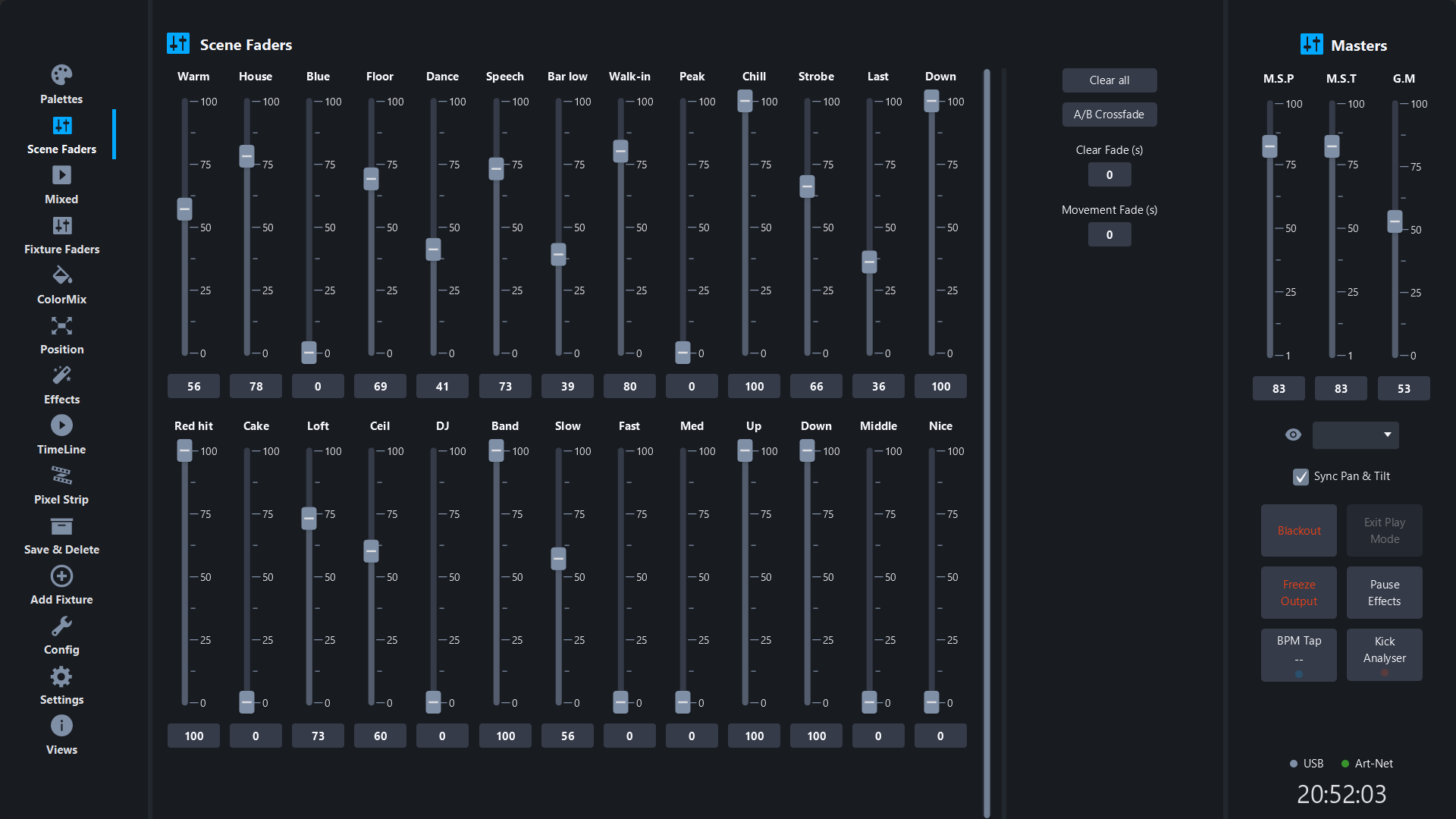
Set a look you like and save it to a Scene Fader. Bring several up together, cross between them, or run them from an APC Mini instead of the mouse.
- → Unlimited Scene Faders in their own window
- → Akai APC Mini faders mapped to Scene Faders
- → Scene Faders on the web remote and remote app
Effects on fixtures and pixel strips in a few clicks
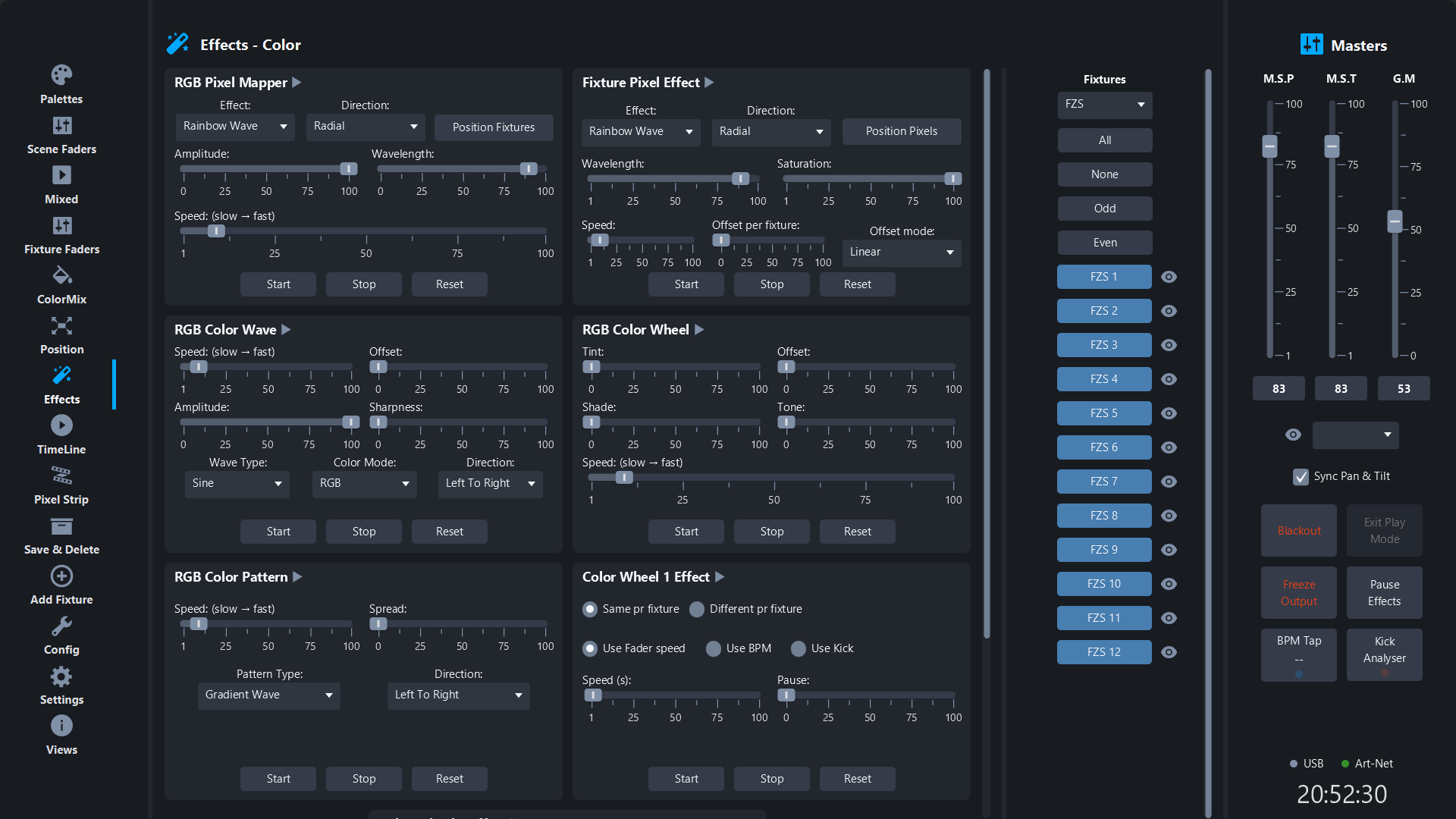
Chases, color cycles, gobo shifts and pixel-mapped strip effects come as presets you adjust with sliders: speed, size, direction, offset. Save the result as a palette or onto a Scene Fader.
- → Chase, color and gobo effect generators
- → Pixel strip mapping with per-pixel control
- → Speed, size, direction and offset per effect
Overview
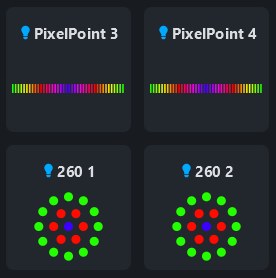
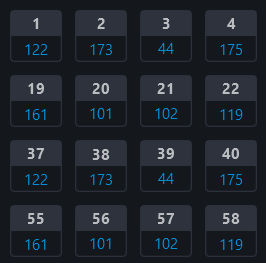
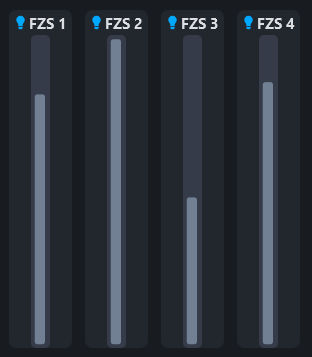
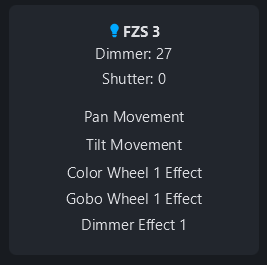
See the whole rig, not one fixture at a time.
Colors, DMX values, output levels and fixture status all on screen together. When something looks wrong on stage, you find it without clicking through a patch list.
Hardware
Nothing is locked to a brand.
Use the interface you already own, or the cheapest one that works. SDC talks to it the same way either way.
Pricing
Free is the whole app. Paid removes the timer.
No trial version, no locked features, no nag screens.
Free
Sessions of 2 hours, as often as you like
- ✓ Every feature, no limits
- ✓ Any USB or Art-Net hardware
- ✓ Save and reopen your show files
Licensed
Unlimited session length
- ✓ Runs all night without restarting
- ✓ Suits fixed installs and long sets
- ✓ Updates included for the year